
Modified on: 06 May, 2026
Upon launching the app, you can configure it to suit your job search needs by following these simple steps:
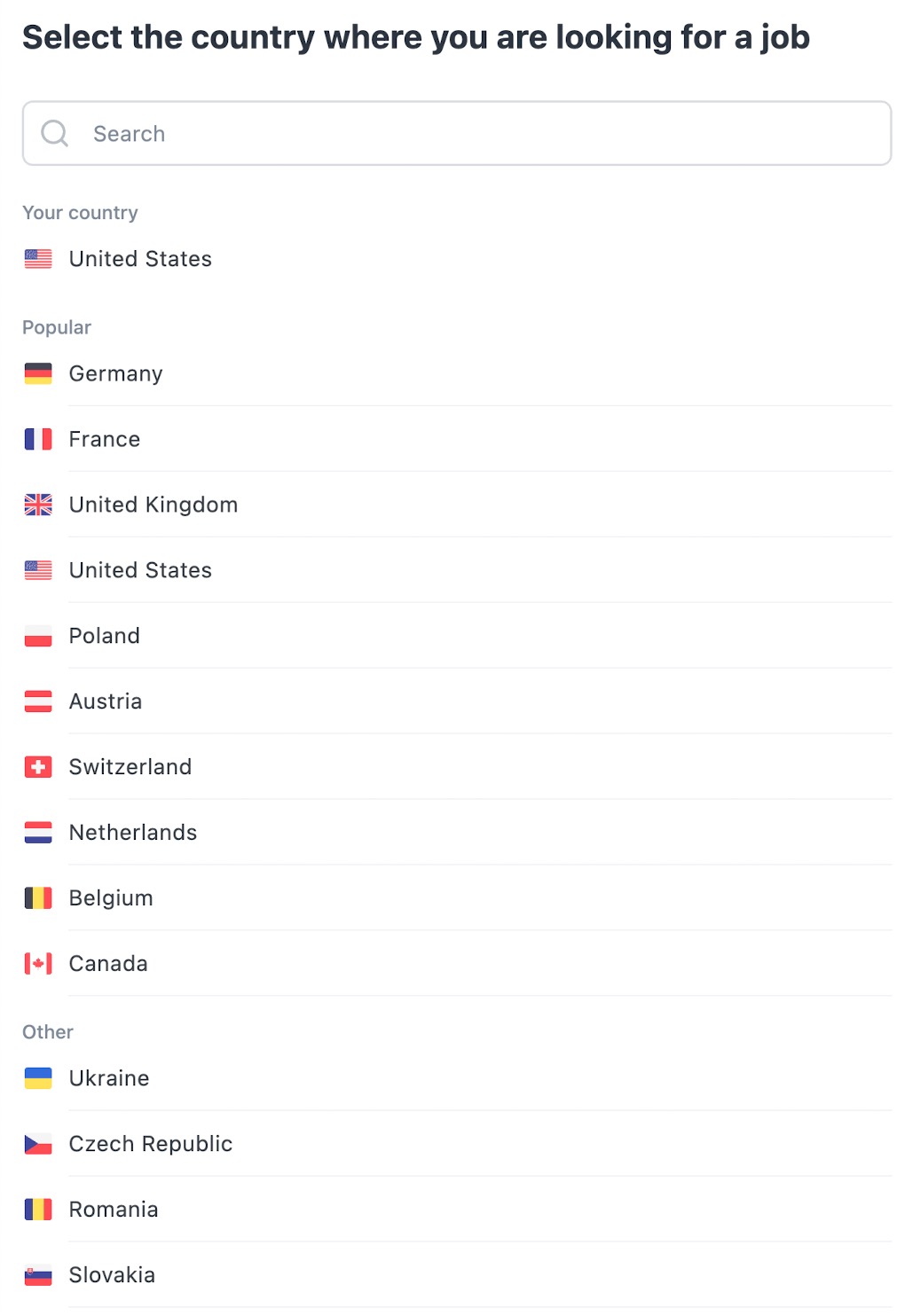
- Choose the Country: where you’d like to search for jobs. This ensures that the results are relevant to your location preferences.
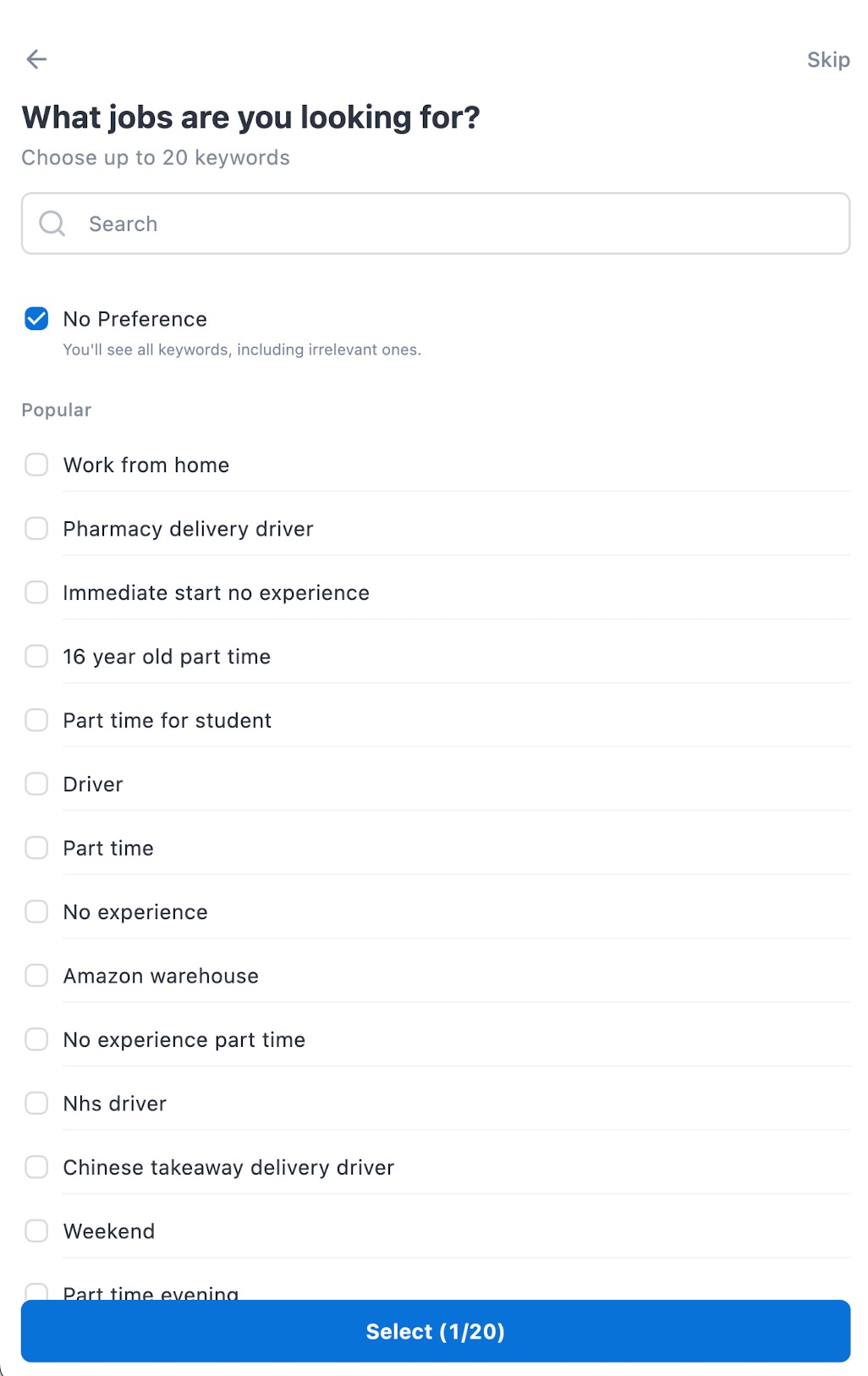
- Input Job Preferences: enter keywords or job titles you are interested in.
- Specify the city or region: where you’re looking for work.
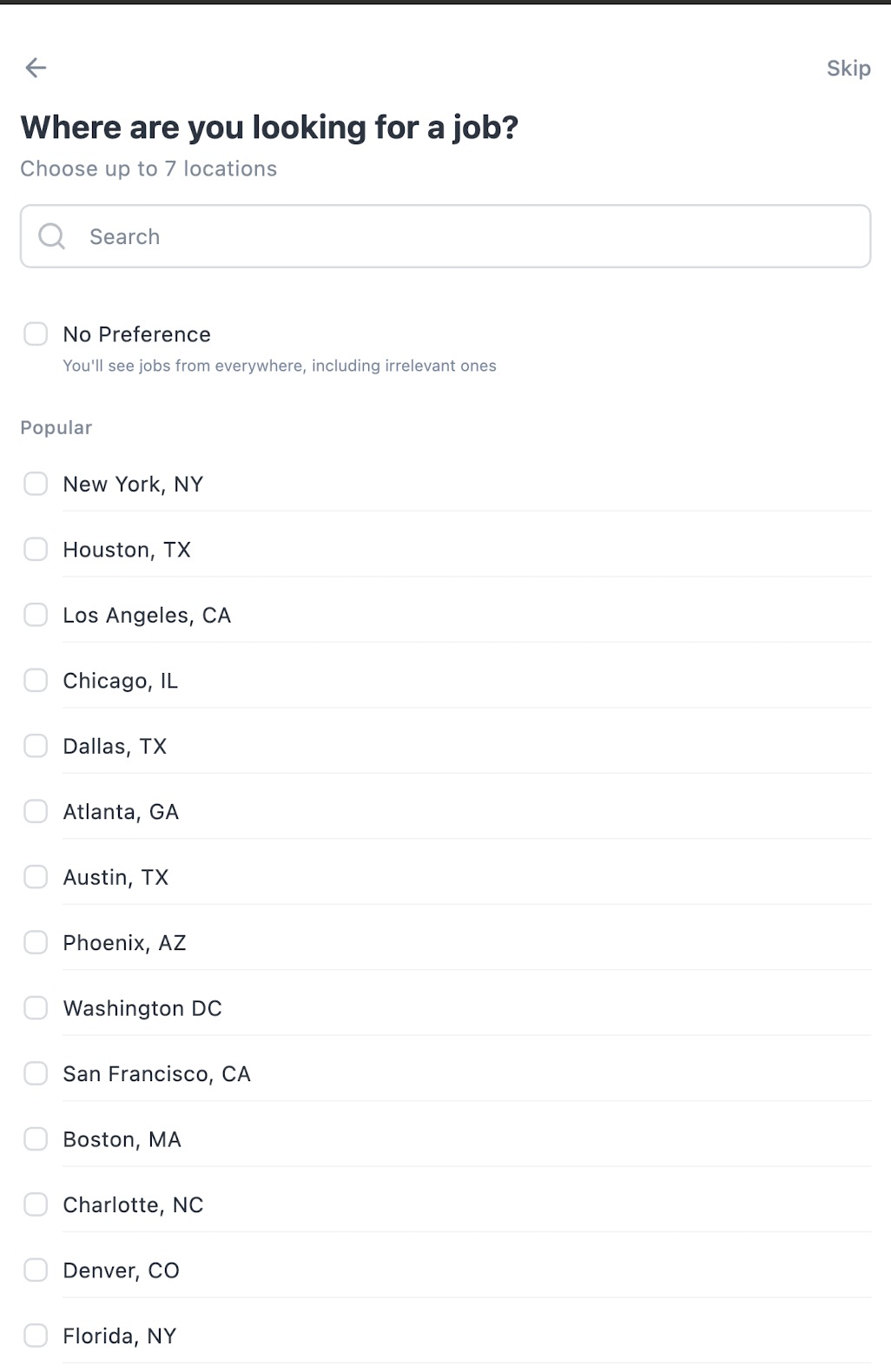
That's it! Once you make your selections, you will be automatically redirected to the main page, where you can view a tailored list of job opportunities based on your criteria.
What's Next?
Now that your app is set up, you can start applying for positions or manage your Job Alerts to never miss a new opportunity.