
Modified on: 07 May, 2026
The Jooble app offers advanced filters and features to help you find, save, and manage the perfect job opportunities. Here is how to customize your search:
How to Filter Job Search Results
The app allows you to refine your job search further with additional filters. Follow these steps to adjust your preferences:
- Access Filters: Tap the settings icon in the upper-right corner of the search results screen.
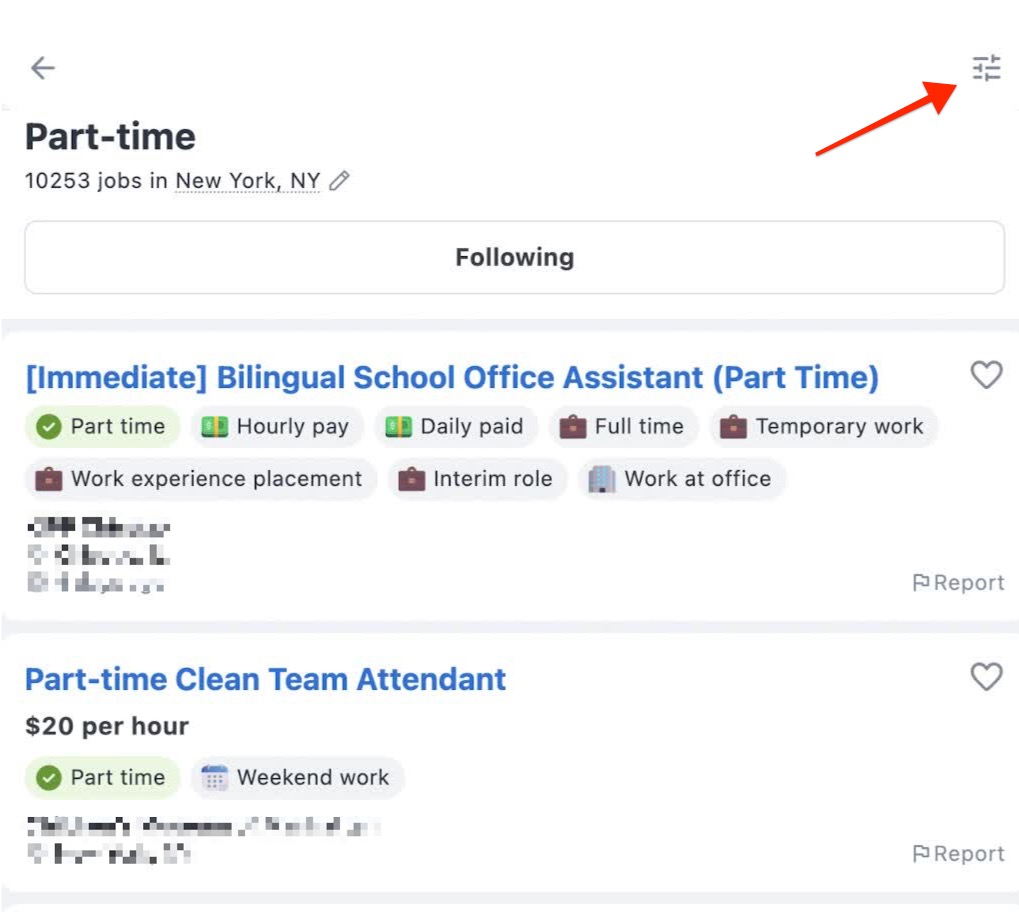
- Filter Options: Choose the criteria that matter most to you:
- Distance to Workplace: Adjust the range to find jobs within a convenient commute.
- Salary Range: Modify the salary expectations for the displayed listings.
- Employment Type: Select from options like full-time, part-time, or temporary roles.
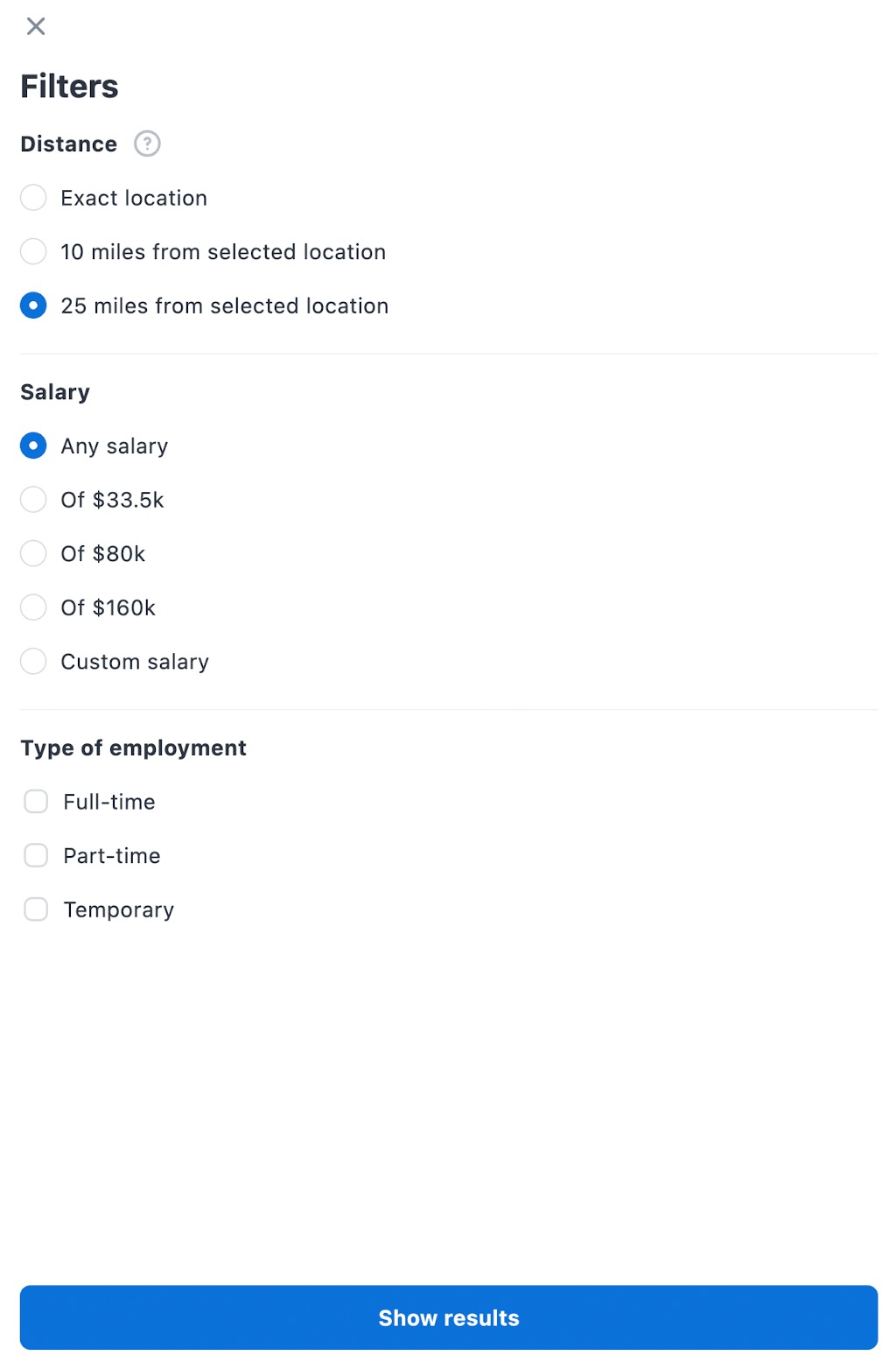
Once your preferences are set, tap “Show results” to update the job listings accordingly.
How to View and Apply for Jobs
If a particular vacancy catches your eye, simply tap on it. The app will seamlessly guide you to your browser, where the full job description opens in a new tab. Here, you’ll see all the details you need, including how to apply. If the listing is a Jooble-hosted vacancy, you can apply right there.
Note: While the app doesn’t store your application history, you can always log in to your Jooble account on our website using the same email to review the jobs you’ve applied for.
Subscriptions
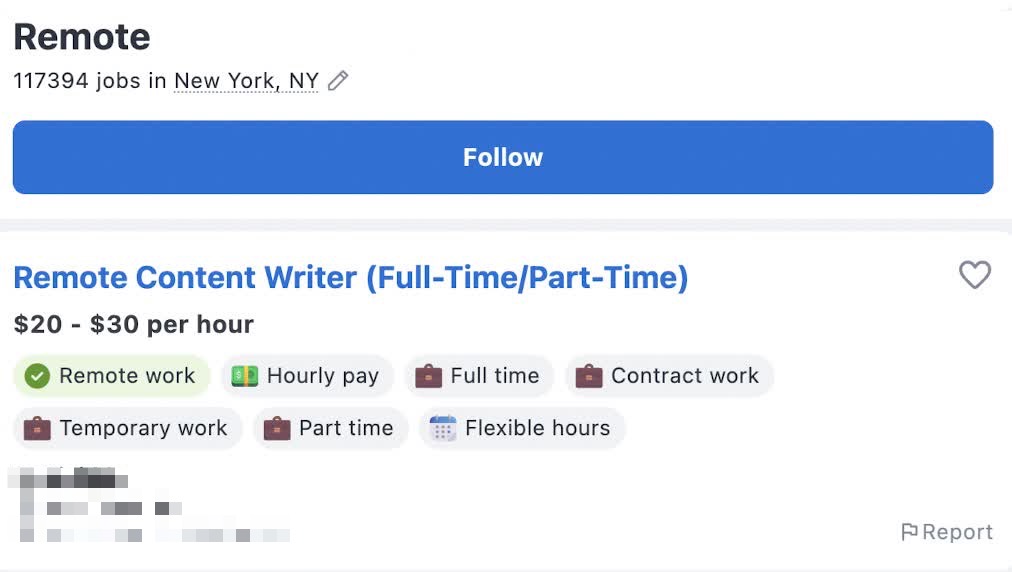
If you find search results you like, tap “Follow” to save them. Saved searches are added to your Subscriptions section for easy future access, notifications, and monitoring.
How to Add Jobs to Favorites
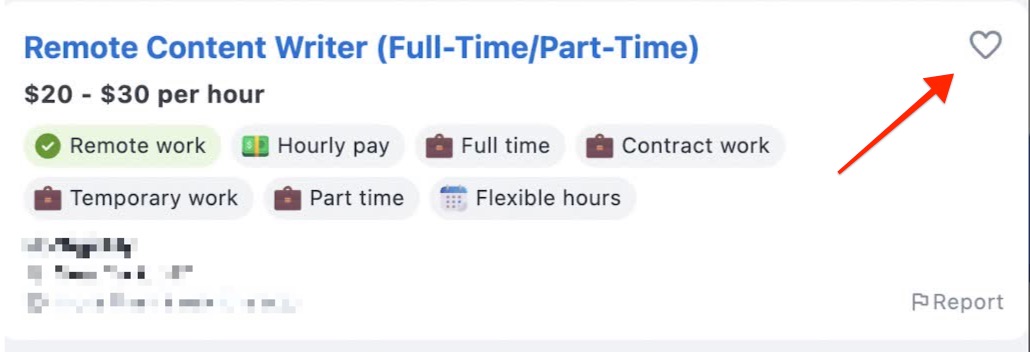
If you come across a job that you’d like to revisit later, you can mark it with the heart icon next to it. This adds it to your Favorites section, which is a handy way to keep track of interesting opportunities.
Keep in mind, though, that if a job gets deactivated or expires, it will automatically disappear from your Favorites list.
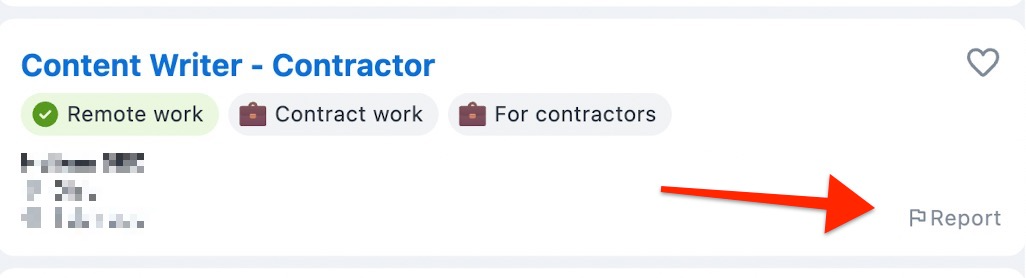
How to Report a Suspicious Vacancy
We take job quality seriously. If you see a vacancy that looks suspicious, contains offensive content, is expired, or has incorrect information, you can report it directly through the app. Your feedback helps us maintain a safe and reliable job-seeking environment.
What's Next?
Still have questions or need further assistance? Feel free to reach out to our support team by submitting a request. We are always here to help!