
Modified on: 08 May, 2026
Never miss a great opportunity by turning on push notifications in the Jooble app. Here is how to manage your daily alerts:
How Job Alerts Work
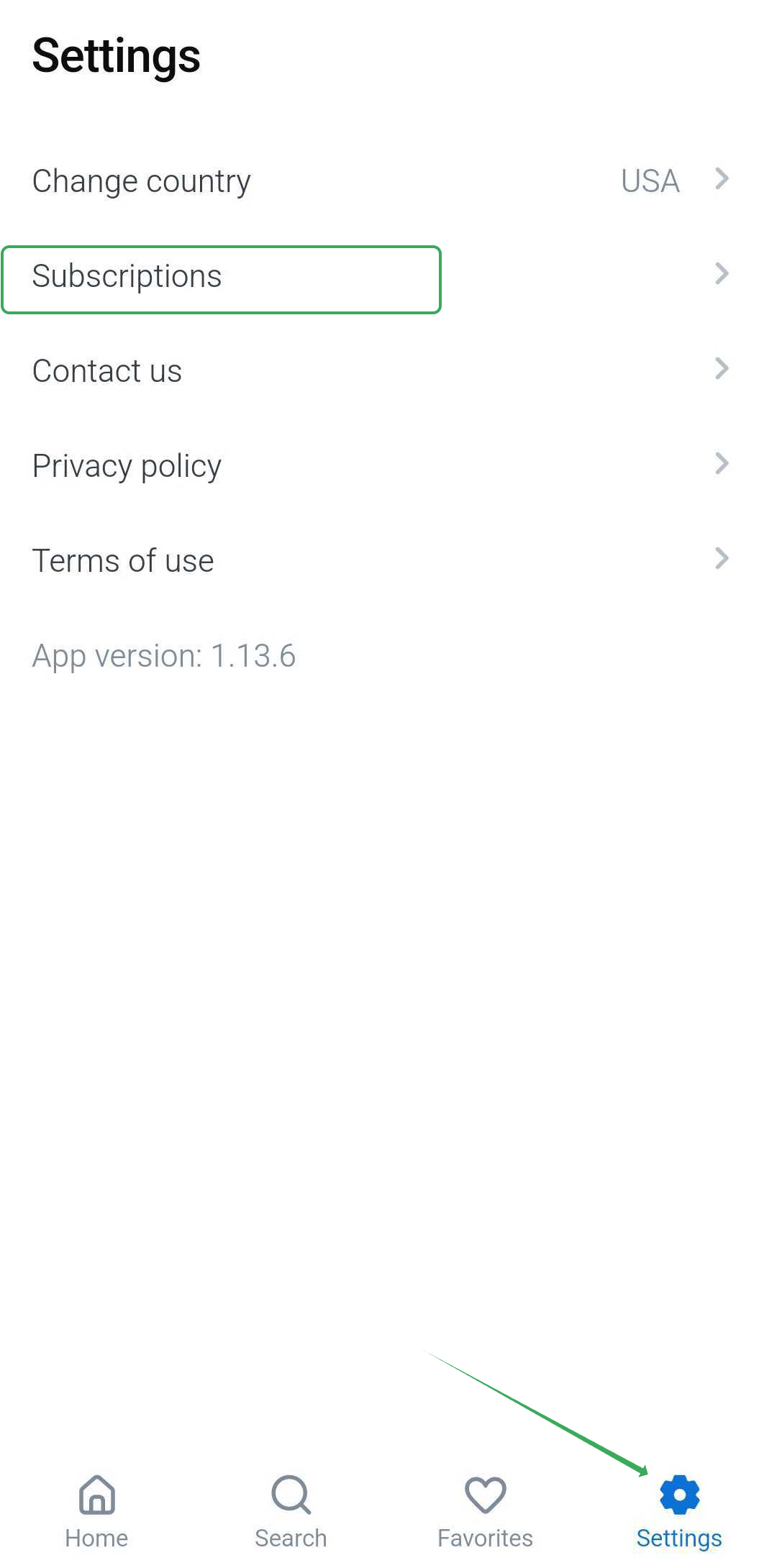
The Subscriptions feature in the Jooble app allows you to easily manage your job alerts. The number of subscriptions directly affects the volume of push notifications you receive.
By tailoring subscriptions to specific job categories or interests, you can ensure you stay informed about relevant opportunities without being overwhelmed by alerts.
How to Enable Push Notifications
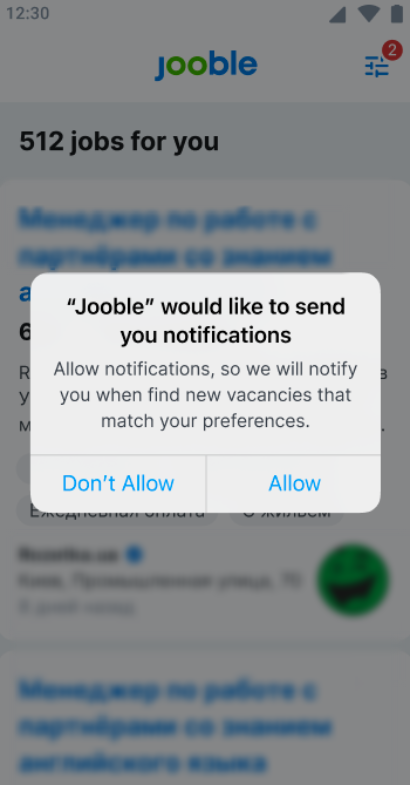
To receive alerts, iOS users and some Android users need to grant permission for push notifications. You will be prompted to allow notifications when you first access the Subscriptions screen:
How to Manage Your Alerts
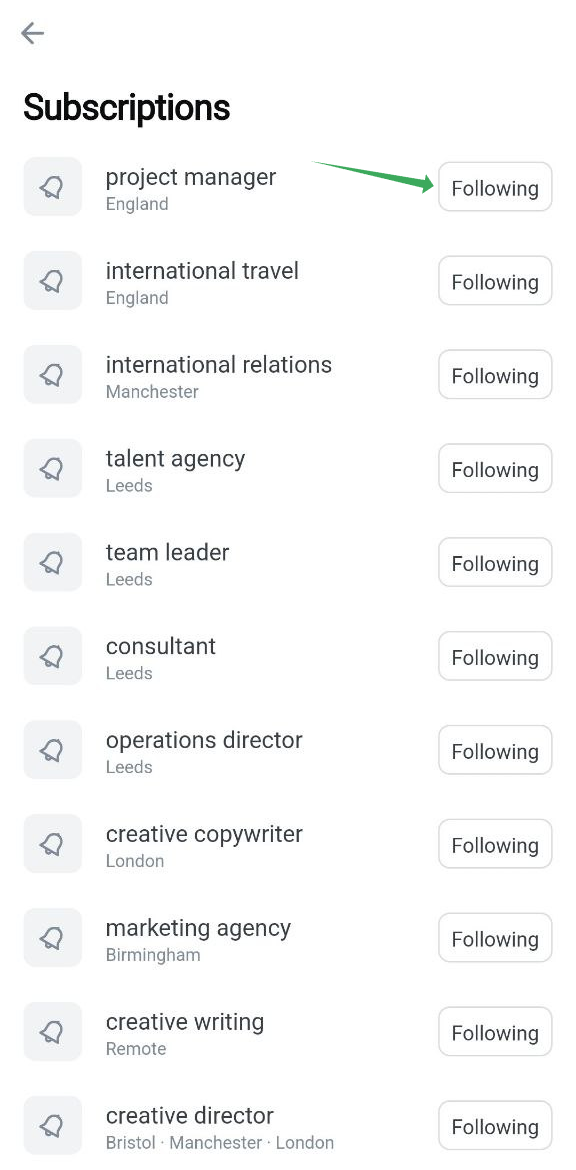
You can easily manage your alerts using the “Follow” / “Following” button to add or remove subscriptions from your list.
Still Have Questions?
If you need further assistance or have more questions about managing your alerts, feel free to reach out to our support team by submitting a request. We are always here to help!