
Modified on: 17 Jul, 2026
If your vacancy is posted in your Employer Account but is not visible on the Jooble website, there are several common reasons for this. Please check the following points to understand why your job post might not be appearing:
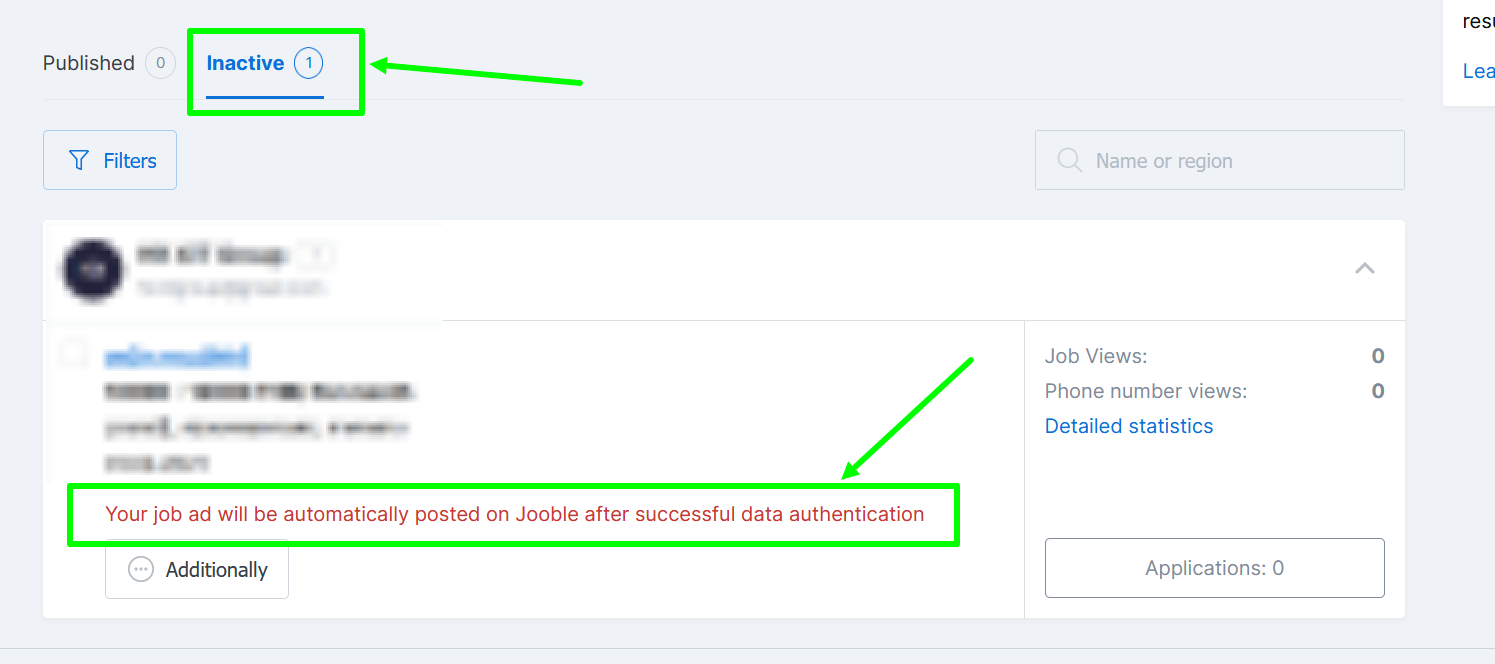
- Account under moderation: New accounts require authentication. Once our team verifies your company, your vacancies will be published automatically.
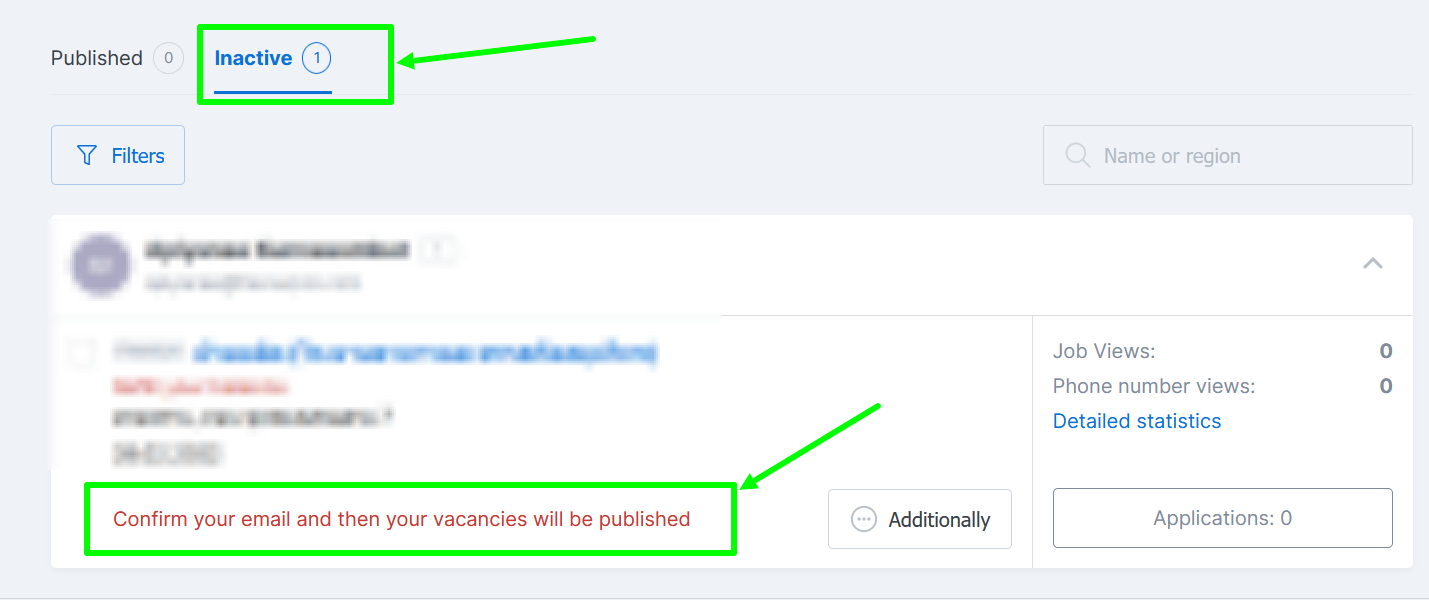
- Unconfirmed email: Verification is mandatory to ensure proper communication. If you haven't received your confirmation link, please refer to our guide: I haven't received a confirmation letter for corporate email.
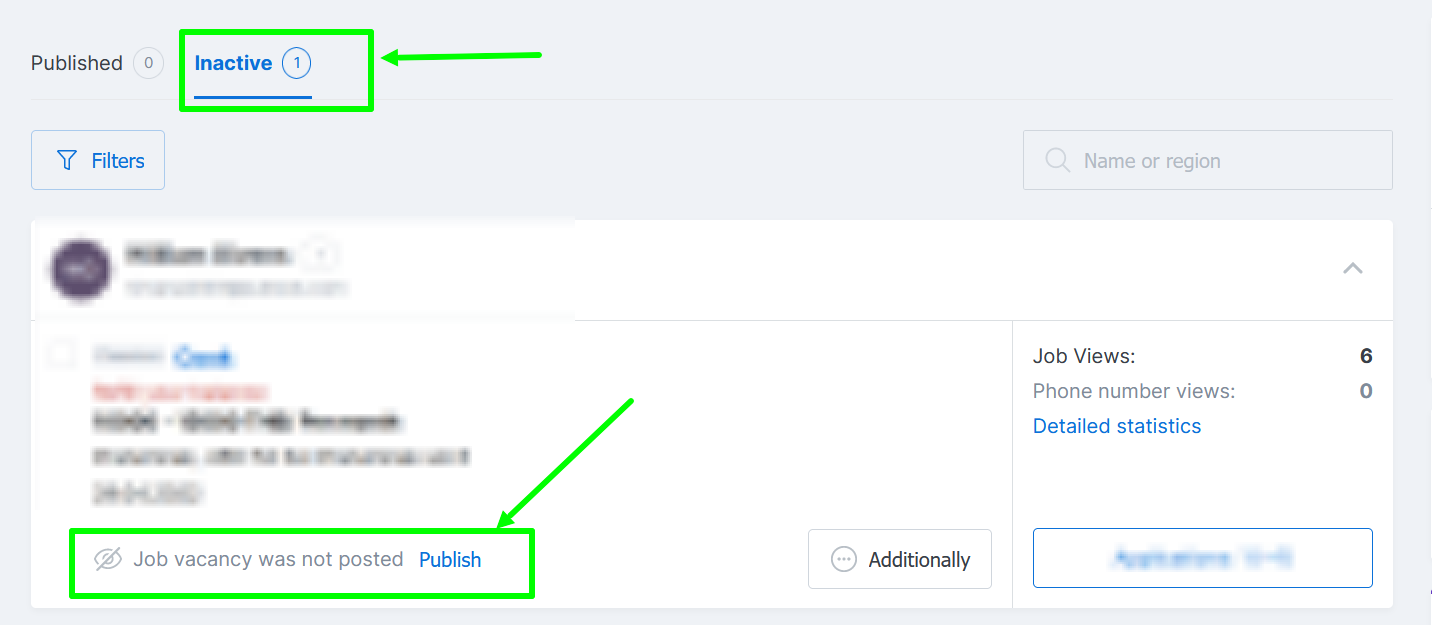
- Non-compliance with publication rules: If your vacancy violates our Terms of Job Posting and Content Requirements, it may be deactivated by our Moderation Team. In such cases, you will receive an email notification regarding the blockage. The vacancy will be moved to the "Inactive" tab in your account, and the reason for the blockage will be displayed directly on the vacancy card. If there is no specific reason indicated on the vacancy, you may attempt to republish it.
- Vacancy expiration: Jobs are automatically suspended after 30 days. To reactivate, click the "Publish" button in your job settings.
If none of these reasons apply, please contact our support team via this link.