
Modified on: 29 May, 2026
Creating an account on Jooble is the first step toward finding your dream job or the perfect candidate. This guide provides clear instructions on how to register quickly and securely.
1. Registration via Google Account
Using your Google account is the fastest way to get started. Follow these steps:
Click the "Sign in with Google" button: You can find this on the registration page.
Authorize your account: Log in using your Google credentials.
Confirm your email: Jooble will send a verification letter to your Gmail address. Click the "Confirm the email" button within that message.
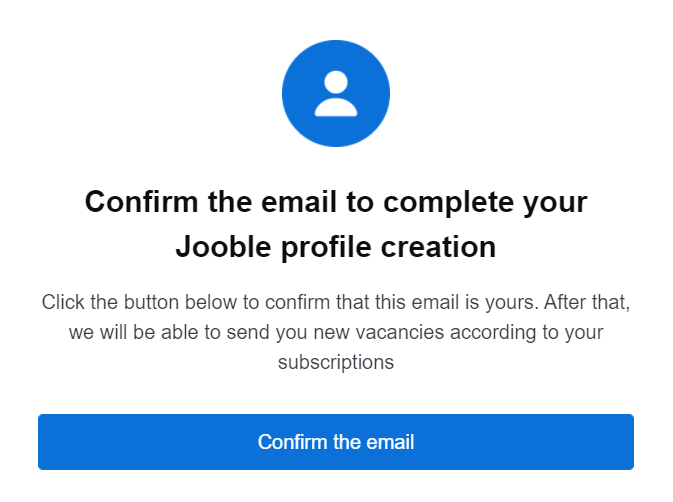
Set your password: Once redirected, choose a strong password and click "Save" to finalize your setup.
2. Registration via Email Address
If you prefer to use a standard email address, follow this procedure:
Start registration: Click the "Sign up" button in the upper right corner of the Jooble main page.
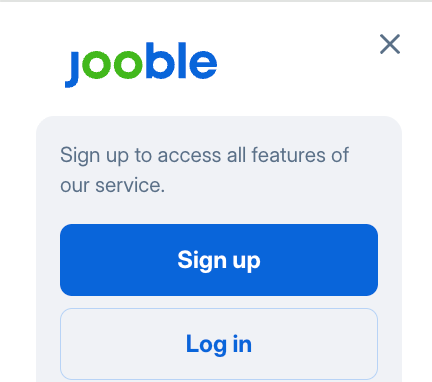
Enter your details: Provide your email address and click "Continue."
Secure your account: Create a password and click "Create an account."
Verification: Check your inbox for a confirmation letter. Click "Confirm email" to activate your account.
Congratulations! Your Jooble account is now active and ready for use.
Troubleshooting: What to do if you haven't received a confirmation email
Wait a few minutes: Typically, emails arrive within 5 minutes.
Check the Spam folder: Sometimes filters redirect emails to Spam.
Verify the address: Ensure there are no typos in your email.
System Administrator settings: Ensure that jooble.org is on the "allowed" list.
Try an alternative service: For example, Gmail.
Contact Support: If nothing worked, contact us.